This post is part of the AI design patterns series – I’m sharing new design patterns I’m seeing as AI enables solutions that weren’t possible before.
ChatGPT threads get long really fast, even if you’ve only asked two or three questions. You know who’s to blame (*cough* it’s definitely not me *cough*).
Several times a day, I want to go back a few messages within a chat and check something ChatGPT said earlier. And every time, I end up scrolling endlessly trying to find that one sentence.
I wish ChatGPT built a navigation sidebar within a chat like Google Docs and Linear do within a doc or an issue. These apps detect headings and create a table of contents on the side.
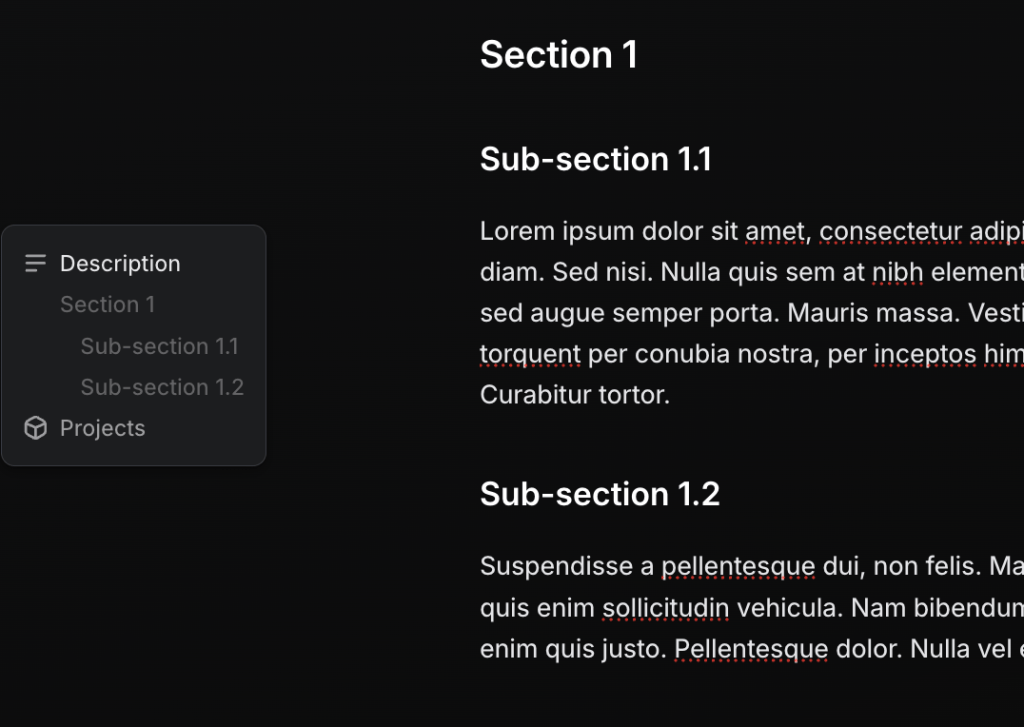
ChatGPT could do the same — it already knows the structure and intent behind each message. Imagine a small sidebar within every chat that shows up similar to Google Docs’ table of contents.
Makes finding things a lot easier within chats.
This post is part of the AI design patterns series – I’m sharing new design patterns I’m seeing as AI enables solutions that weren’t possible before.
 Shankar is thinking